

Optimization & Guide Info: Every technique on this page can be applied directly in your in-game settings or paired with the FF Kipas v2.118.12 (OB55/OB54) Optimization Toolkit. Download the verified FFKIPAS-latest.apk (459.69 MB) package above for non-root 60 FPS stabilization and custom sensitivity tuning.
Which symptoms are you experiencing?
Four symptoms, four most likely causes.
| Symptoms | Most common cause | First step |
|---|---|---|
| Quits itself during loading screen | Memory is full or file is corrupt | Close other applications, clear cache |
| Stuck on black screen | Resources are incomplete | Connect Wi-Fi, wait, don't force close |
| Open but failed to log in to account | Network or server side | Check connection, check whether friends also failed |
| Come out alone in the middle of the match | Heat or memory | Cool the device, close other applications |
| The app doesn't appear at all | Installation is not complete | Reinstall from official store |
The difference between logging out on load and logging out in the middle of a match is important. The first is usually about files, the second is almost always about heat or memory.
What is the correct sequence of repair steps?
Six steps, ordered from least to most time-consuming.
- Close all other applications, then open the game again. This resolves most cases of self-exiting out of memory.
- Restart the device. Clears stuck memory and stuck network sessions.
- Clear game cache from the application settings menu. Don't touch the delete data button.
- Check for updates at the official store. Laggard versions are often rejected by the server.
- Free up storage until at least ten percent remains.
- Reinstall only if the five steps above fail, and only after your account is confirmed to be connected to the platform.
Before the sixth step, first confirm your account status. How to check it is in account recovery page.
Why does the game open but can't log in to the account?
Because logging into an account involves third parties, and one of them could have problems without you realizing it.
| Point | Sign | Handling |
|---|---|---|
| Device connection | Other applications also don't work | Fix the network first |
| Platform services | Fails only on one enter button | Try another connected platform |
| Session expired | Keep being asked to log in again | Completely exit, then enter again |
| Game servers | Many players complained at the same time | Wait, there's nothing you can fix |
| Problem account | A special message about the account appears | Contact official support |
The second line is the most frequently misdiagnosed. If the login button via one platform fails while another succeeds, the problem is with that platform, not the game.
The characteristics of fake pages are discussed in full at fake site characteristics page.
Why does the game exit itself in the middle of the match?
Almost always because the system is out of memory or the device is overheating.

When memory runs low, the Android system reserves the right to close any application to save itself. Games are the heaviest applications to run, so they're usually the ones sacrificed.
Heat works in different ways. The device slows down first, and a forced shutdown only occurs if the temperature continues to rise. Because it comes out on its own because the heat is almost always preceded by a few minutes of stalled play.
| Characteristics | Memory | Hot |
|---|---|---|
| Time of incident | It can be any time, often at the beginning | After dozens of minutes of playing |
| Previous sign | Nothing, it's closed straight away | The image stutters first |
| Device body | Normal temperature | Feels warm to hot |
| Handling | Close other applications | Remove case, stop charging |
A complete treatment of heat, including the order of the most influential settings, is in graphic guide.
When to contact official support?
When the message that appears mentions an account, not a network or device.
You can solve technical problems on the device side yourself with the six steps mentioned above. Problems involving account status cannot be done, because the data is on the server and only the official team can see it.
- Note down the error message that appears, word for word.
- Prepare your UID number and in-game name.
- Prepare a purchase history if you ever top up.
- Send just one report via the official help center, with as complete a description as possible.
- Wait for a reply. Sending lots of different reports actually slows down the process.
Frequently Asked Questions
Why does FF exit itself during the loading screen?
Most often because the memory is full or there are corrupt resource files. Close other applications and then clear the game cache before attempting bigger steps.
What to do when stuck on black screen?
Wait while connecting to Wi-Fi and don't force it to close. A long black screen often means the game is silently downloading resources.
Should I immediately reinstall the game?
Don't. Reinstallation is the last step because you have to download large resources from scratch and guest accounts risk losing progress.
Why does the game open but fail to log in?
Because the login process involves third-party platform services. If one login button fails while another succeeds, the problem is with the platform.
Why does the game close itself when the match is running?
Two reasons dominate: the system is out of memory, or the device has overheated. The hot version is usually preceded by several minutes of stuttering play.
How to differentiate memory problems and heat problems?
Memory problems close applications suddenly without warning. Heat problems are always preceded by stuttering images and the device body feeling warm.
Does clearing cache delete progress?
No. Progress is saved in the account connected to the platform. What is deleted is only temporary files that will be recreated.
Why does the unsupported version message appear?
Your app version is lagging behind the server, or your device's operating system is no longer supported by the latest updates.
How do I know the problem is on the server, not on my cellphone?
The sign is that many players are complaining at the same time, usually during maintenance or when a new patch drops. In that condition there is nothing that can be improved from the player's side.
When is it best to contact official support?
When the message that appears mentions account status, not network or device. Account issues can only be seen by the official team on the server side.
What data needs to be prepared before reporting?
UID number, in-game name, verbatim error message, and purchase history if you have previously charged.
Is there a repair application that can be installed?
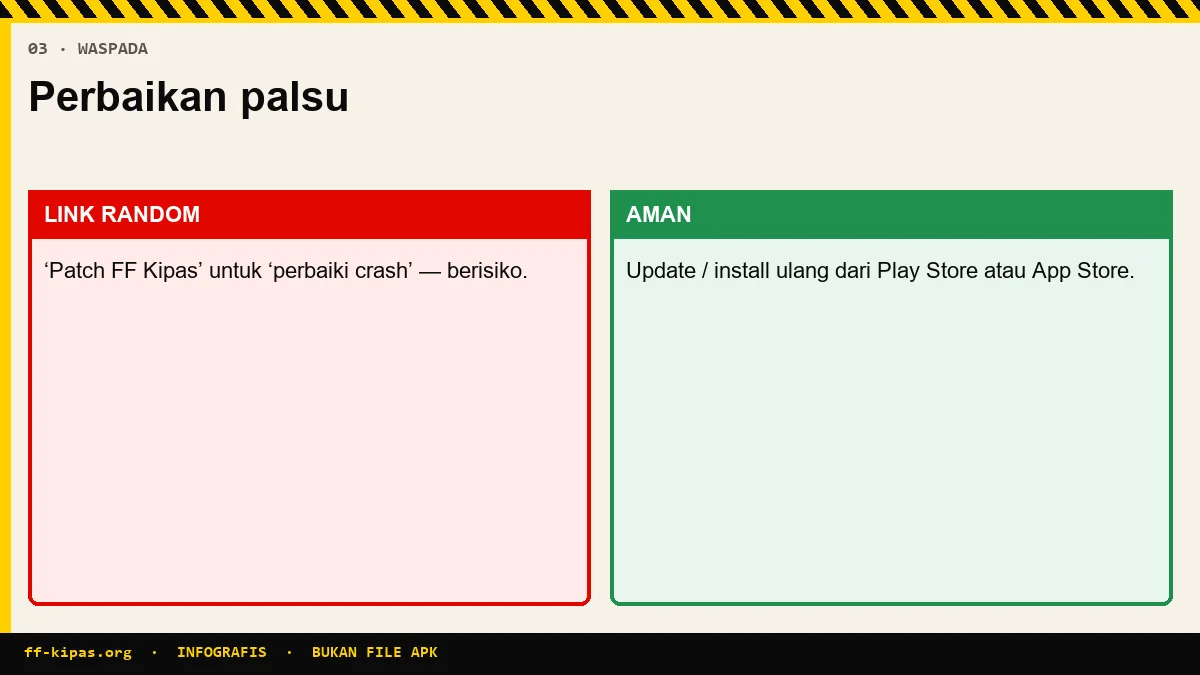
Nothing is safe. Apps that claim to fix games usually ask for broad permissions and partially change how the game runs.
Optimize your device FPS & touch sensitivity with the FF Kipas Official Hub · APK v2.118.12 Specs (459.7 MB) · KPS & Shizuku Setup Guide · OB55/OB54 Changelog.