
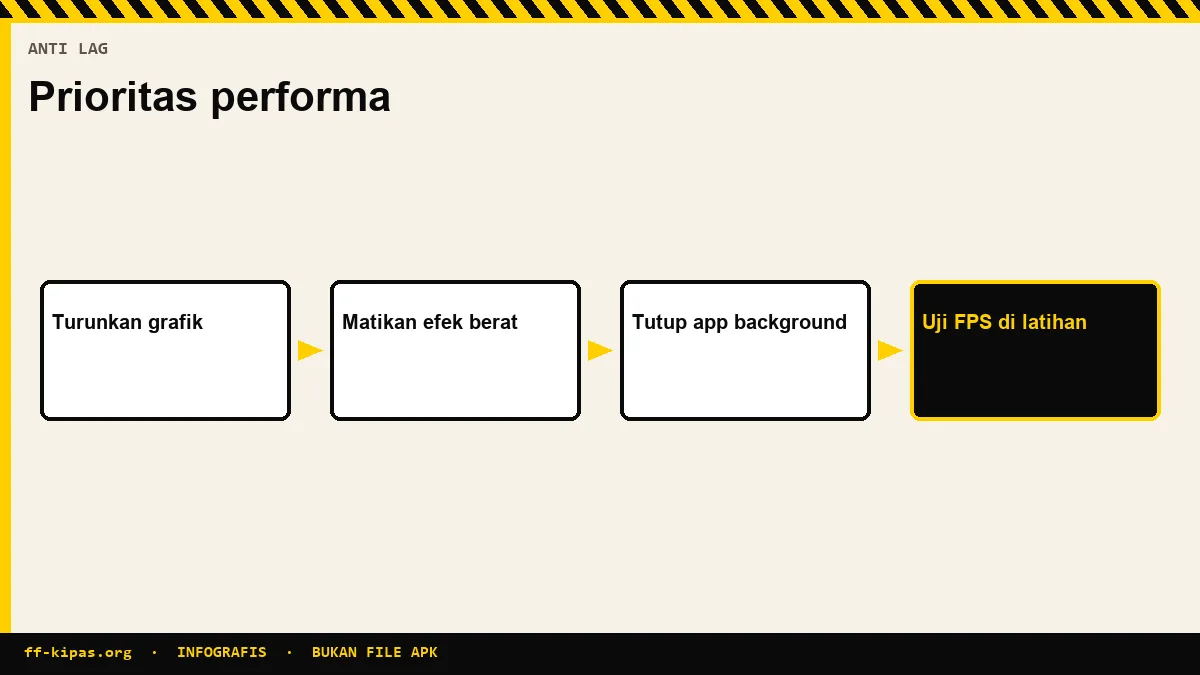
Optimization & Guide Info: Every technique on this page can be applied directly in your in-game settings or paired with the FF Kipas v2.118.12 (OB55/OB54) Optimization Toolkit. Download the verified FFKIPAS-latest.apk (459.69 MB) package above for non-root 60 FPS stabilization and custom sensitivity tuning.
Why is stable FPS more important than high FPS?
Because your hands adjust to the rhythm, and changing rhythm ruins the timing.
When the frame drops suddenly, the distance the enemy travels between the two images becomes greater. The shot that was just right was left behind. Your brain has been calculating based on the old rhythm, and the calculation is off.
What makes it more dangerous is the time it occurs. Frame drops almost always appear when the screen is busy, which is right when there is a gunfight. So you lose performance exactly at the decisive moment.
What settings are suitable for your HP class?
Three profiles, selected based on RAM and device age, not price.
| Settings | Old cellphone, 3 GB RAM | Mid-range cellphone, 4–6 GB RAM | Fast cellphone, 8 GB RAM and above |
|---|---|---|---|
| Image quality | Smooth | Standard | Standard or high |
| Frame rate | High | High | Ultra when stable |
| Shadow | Dead | Dead | Can turn it on |
| Special effects | Dead | Low | Medium |
| Anti-aliasing | Dead | Dead | Can turn it on |
| Blood display | Dead | Dead | According to taste |
Note that the frame rate is set high even on older phones. That's intentional. Lowering image quality to buy smoothness is a trade-off that is almost always profitable.
Which setting carries the heaviest load?
The order is pretty consistent across almost all Android devices.
| Ratings | Settings | Load | Competitive benefits |
|---|---|---|---|
| 1 | Shadow | Very heavy | Small |
| 2 | Anti-aliasing | Heavy | Small |
| 3 | Special effects | Medium | Small, actually obstructs the view |
| 4 | Texture quality | Medium | Medium, helps see distant enemies |
| 5 | Frame rate | Light but demanding | Big |
| 6 | Blood display | Very light | Nothing |
The special effects have their own oddities. Apart from consuming energy, the explosion effect and thicker smoke actually obscure your view. Turning it off provides two benefits at once.
Why does the FPS drop after playing for twenty minutes?
Because it's hot, and no graphics setting can beat the laws of physics.
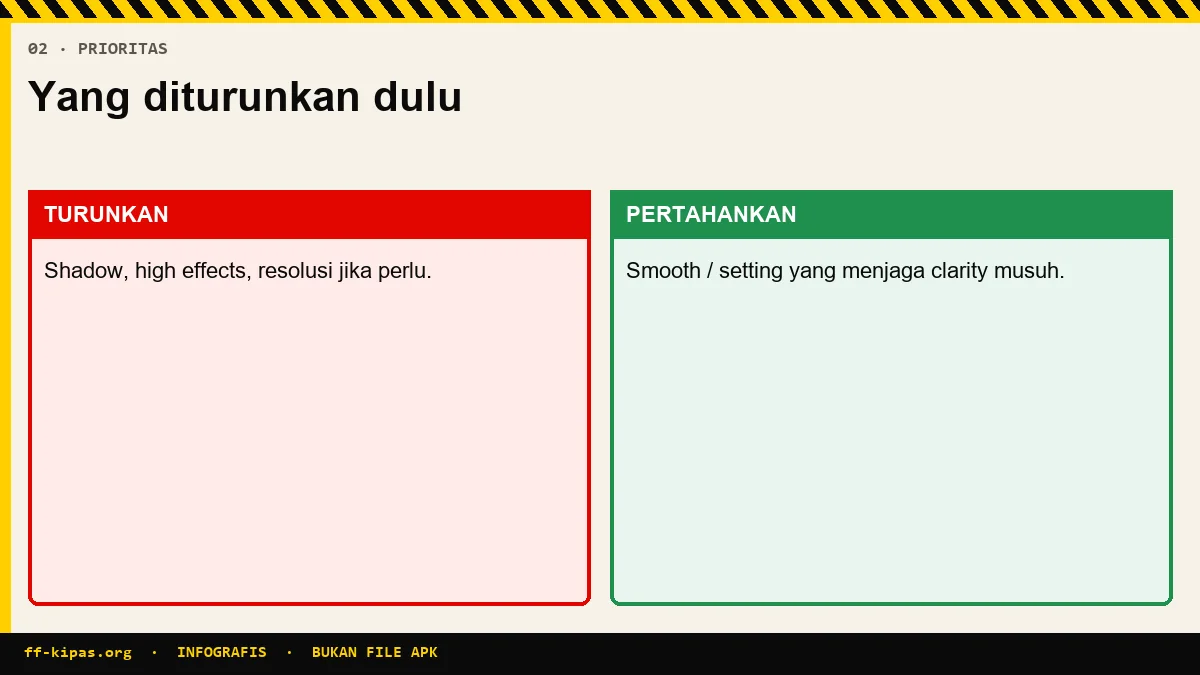
The HP processor will slow itself down when the temperature rises too high. This is intentional by the manufacturer to protect the components. As a result, performance in the twentieth minute is always lower than in the first minute.
| Cause | How big | How to handle |
|---|---|---|
| Charge while playing | Very big | Charge before playing, not while playing |
| Thick casing | Big | Remove the case during long sessions |
| Full screen brightness | Medium | Get it down to around seventy percent |
| Background application | Medium | Close before entering the match |
| Play in a hot room | Medium | Find a ventilated place |
If the symptoms are not a gradual decline but rather intermittent from the start, it is most likely not a heat. Check the diagnosis at lag page.
Does RAM and storage affect FPS?
RAM affects smoothness, storage affects loading speed.
When RAM is full, the system must dump some game data from memory and then load it again when needed. It's the reloading moment that appears as a momentary break, usually right when you enter a new area.
Nearly full storage slows down file reading. The effect is most pronounced on loading screens and when building textures appear late, not in the FPS numbers in the middle of battle.
As for how much space this game actually takes and what can be safely deleted, there are details in page file size.
Frequently Asked Questions
What graphics settings are best for FF?
The highest setting that never drops as four men battle in the smoke. Stability is more decisive than the highest number in the lobby.
Is it better to have high FPS or FPS that doesn't fluctuate?
Which doesn't go up and down. Your hand adapts to the rhythm of the drawing. When the frame drops suddenly, the enemy's distance between shots changes and your aim lags.
Which setting is the heaviest?
Shadows, followed by anti-aliasing and special effects. All three consume a lot of energy with little competitive benefit.
Is turning off special effects detrimental?
In fact, it's twice as profitable. The load is reduced and your view is no longer obscured by thick smoke and explosions.
Why does performance decrease in the middle of a playing session?
Because the processor slows itself down when the temperature rises. This is the device's built-in protection and cannot be circumvented by any graphics settings.
Is playing while charging bad for performance?
Very bad. The battery heats up when charging and the processor heats up when working, so heat limitations come much faster.
Does battery saving mode lower FPS?
Yes, directly. Economy mode limits processor speed, so it's best to turn it off before playing if there's still enough power.
What is the minimum RAM so that FF runs smoothly?
Three gigabytes is still possible with a light profile, but smoothness is more determined by how many other applications are running.
Does full storage lower FPS?
The biggest impact is in loading speed, not in FPS numbers. Loading screens take a long time and building textures appear late.
Does high image quality help see enemies?
It helps a little at distance and in the shadows, but that advantage quickly disappears when the frame becomes unstable.
Do you need to remove your cellphone casing when playing?
For long sessions, it is very helpful. The thick casing traps heat inside the body and accelerates the onset of processor limitations.
Does lowering screen brightness increase FPS?
Not directly, but reduces heat. Bright screens are one of the biggest sources of heat after the processor itself.
Optimize your device FPS & touch sensitivity with the FF Kipas Official Hub · APK v2.118.12 Specs (459.7 MB) · KPS & Shizuku Setup Guide · OB55/OB54 Changelog.