
Optimization & Guide Info: Every technique on this page can be applied directly in your in-game settings or paired with the FF Kipas v2.118.12 (OB55/OB54) Optimization Toolkit. Download the verified FFKIPAS-latest.apk (459.69 MB) package above for non-root 60 FPS stabilization and custom sensitivity tuning.
Which type of lag are you experiencing?
Match the symptoms first. These three types have completely different drugs.
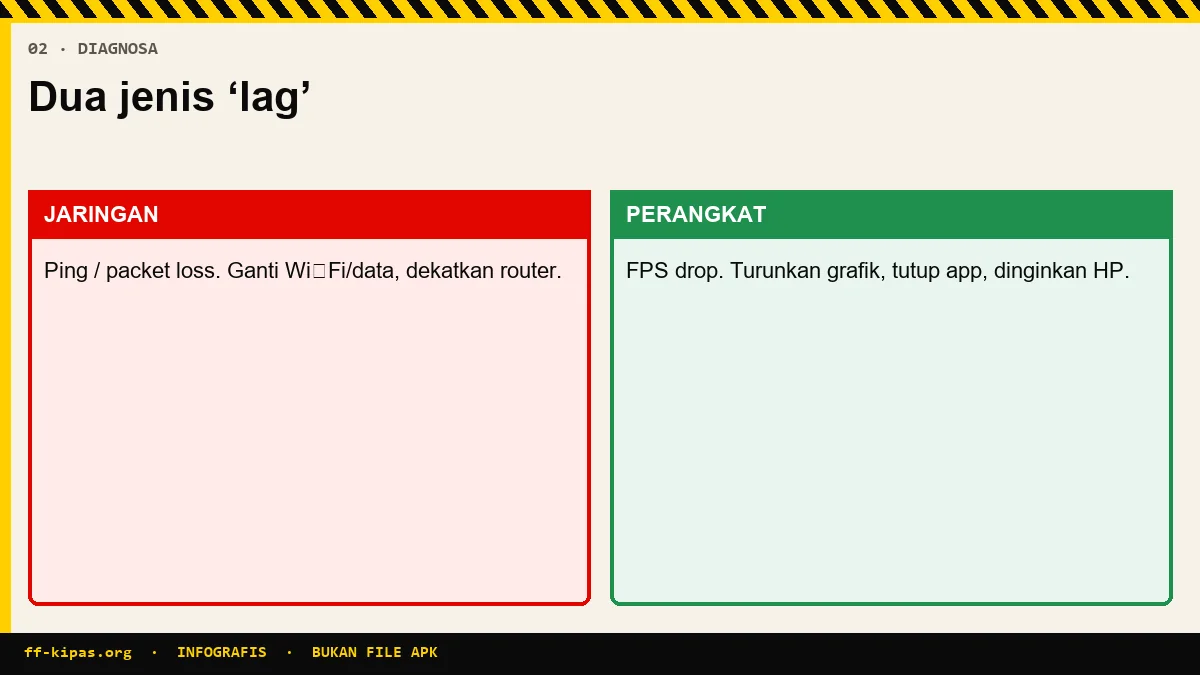
| Symptoms on screen | The name of the problem | Source | Which must be fixed |
|---|---|---|---|
| Broken image, green ping | FPS drops | your cellphone | Graphics, temperature, memory |
| Smooth picture, enemy jumps back | Packet loss | Network | Wi-Fi, line, operator |
| Everyone responded equally late | High ping | Distance to server | Choice of server, network |
| The shot hit but no blood came down | Packet loss | Network | Wi-Fi, line, operator |
| It freezes for a few seconds then returns to normal | Network surge | Other devices in the house | Limit shared use |
Quick way to separate them: enter the Training Ground alone. If the image remains broken there, it's HP. If it's smooth there but messy on match, that's a network.
What repair sequence works most often?
Start from the free and fast, don't start from the most drastic.
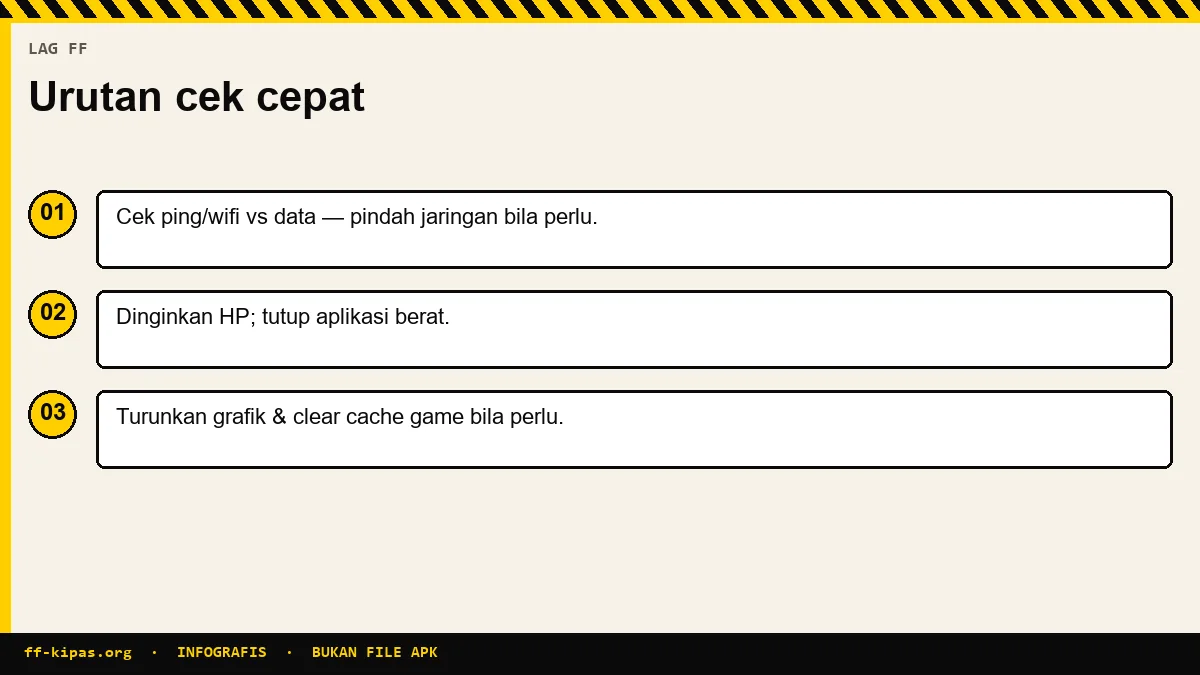
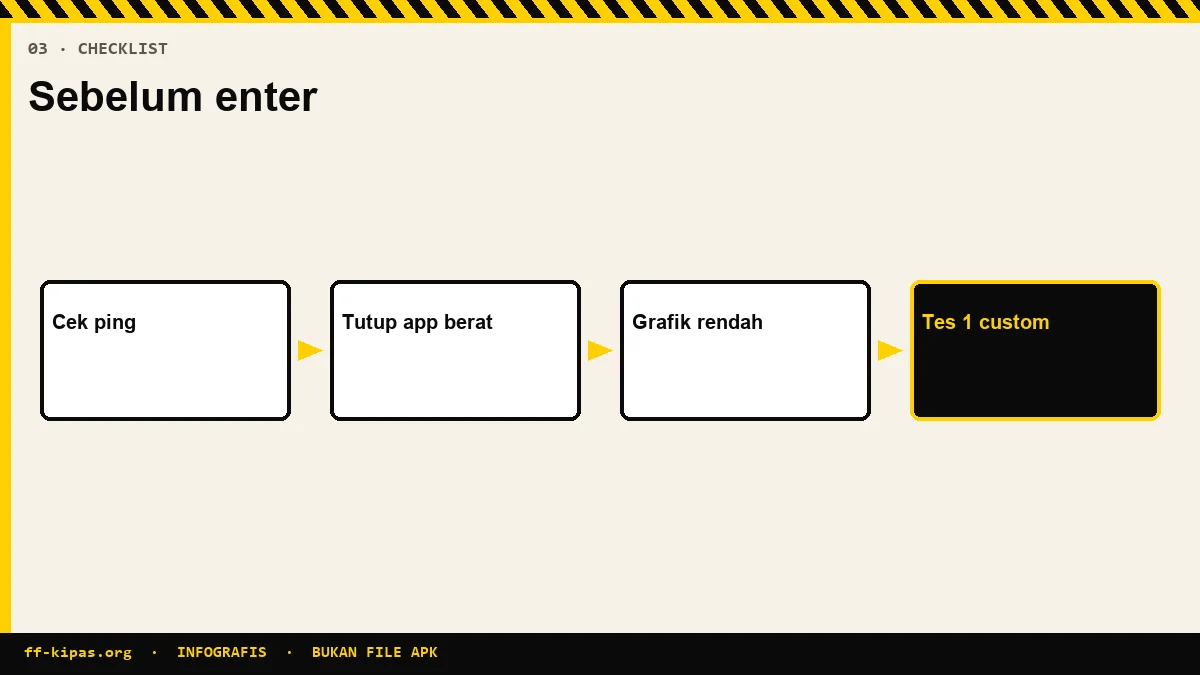
- Manually close background applications. Especially those that download, play videos or sync photos.
- Turn off automatic updates on Play Store and on social media apps. Silent downloads are the most commonly missed cause of spikes.
- Approach the router if using Wi-Fi, or move to the 5 GHz band if available.
- Restart the router and cellphone. It sounds cliche, but it clears up a stuck network session.
- Free up storage until at least ten percent remains. Full storage slows down reading of game assets.
- Move the graph down one level only if the diagnosis is FPS drop.
For the correct choice of graphics according to HP class, there is a table at graphic settings guide.
Why is the ping high even though the internet is fast?
Because speed and latency are two different measures.
Speed measures how much data can pass per second. Latency measures how long it takes for one small packet to get to its destination and back. Games like FF don't require a lot of data, but they really need packages that arrive on time.
| Size | Meaning | Important for FF |
|---|---|---|
| Mbps download | Lots of data per second | Almost unimportant |
| Ping in ms | When going home, one package | Very important |
| Jitter | How variable the ping is | Very important |
| Packet loss | Percentage of lost packets | Most decisive |
A five hundred Mbps connection with high jitter feels much worse than a stable ten Mbps connection. That's why speed tests with good results don't prove anything about lag.
Is it better to use Wi-Fi or cellular data?
It depends on which one is more stable in your place, not which one is faster.
| Aspect | Wi-Fi | Mobile data |
|---|---|---|
| Average latency | Usually lower | A little higher |
| Stability | Depends on the distance to the router | Depends on signal strength |
| Interference from other devices | Big, everyone shares | Small, your own path |
| When it rains heavily | Generally remains stable | Could decrease |
| During rush hour | Down if there are a lot of users | Go down if the tower is crowded |
The rule of thumb is this. If you're sitting close to the router and no one else is watching video, Wi-Fi wins. If your house is full of users, cellular data is often more consistent.
Do booster apps and gaming VPNs help?
Almost always not, and some of them actually add to the problem.
| Claim | What actually happened |
|---|---|
| Increase internet speed | No way, the line capacity has not changed |
| Lowers ping | Just close other applications, which you can do yourself |
| Cleaning RAM | The Android system does this automatically |
| Speeds up FPS | The booster itself also eats up memory and CPU |
| Special gaming line | Adding one stop point, latency tends to increase |
There are additional, more serious risks. Apps that claim to speed up games often ask for broad permissions, and some change how the game runs. This is in a category that can result in account blocking.
If you're considering any third-party apps, there's a risk check at real or fake page.
Frequently Asked Questions
Why does FF lag even though my internet is fast?
Because speed and latency are different. Games require small packets arriving on time, not large amounts of data, so a good speed test doesn't prove anything.
What is the difference between high ping and packet loss?
High ping makes everything evenly late. Packet loss makes some actions disappear completely, for example a shot hits but the enemy's blood doesn't drop.
How do I know my lag is from my cellphone or from the network?
Enter the Training Ground alone. If the image remains broken there, it means the problem is with the cellphone, if it's smooth there, it means the problem is with the network.
Does lowering graphics fix ping?
Not at all. Low graphics don't make up for any of the packets lost along the way, so you lose image clarity with no improvement.
Do booster apps really increase FPS?
Almost never. Most of them just close background apps, and the booster itself eats up memory and processor.
Can VPN reduce FF ping?
Generally it actually increases, because the data has to pass through one additional stopover point. VPN only helps if the operator's default line is problematic.
Is Wi-Fi or cellular data better for playing FF?
Wi-Fi wins if you are near the router and the house is empty of users. Cellular data is often more consistent when many people share the same Wi-Fi.
Why does lag always appear at the same time?
That's a sign of network congestion in your area during peak hours. The problem is on the shared path, not on the cellphone or in the game.
Can full storage cause lag?
Can. Nearly full storage slows down reading of game assets. Leave at least ten percent free space.
Why didn't my shot register even though it clearly hit?
That's a typical symptom of packet loss. The packet containing your shot information gets lost on the way so the server never receives it.
Does restarting the router really help?
Helps often. A restart clears a stuck network session and restores path allocation, especially on a router that's been on for weeks on end.
Does playing while charging cause lag?
Yes, but via the hot route. A hot device lowers the processor speed for safety, and it appears as a choppy image.
Optimize your device FPS & touch sensitivity with the FF Kipas Official Hub · APK v2.118.12 Specs (459.7 MB) · KPS & Shizuku Setup Guide · OB55/OB54 Changelog.