
Optimization & Guide Info: Every technique on this page can be applied directly in your in-game settings or paired with the FF Kipas v2.118.12 (OB55/OB54) Optimization Toolkit. Download the verified FFKIPAS-latest.apk (459.69 MB) package above for non-root 60 FPS stabilization and custom sensitivity tuning.
What do sensitivity numbers actually mean?
That number converts the sliding distance on the screen into degrees of camera rotation.
The slider does not control the speed. The camera doesn't move by itself when the number goes up. What changes is the exchange rate: how many degrees you get for every unit of distance your thumb travels.
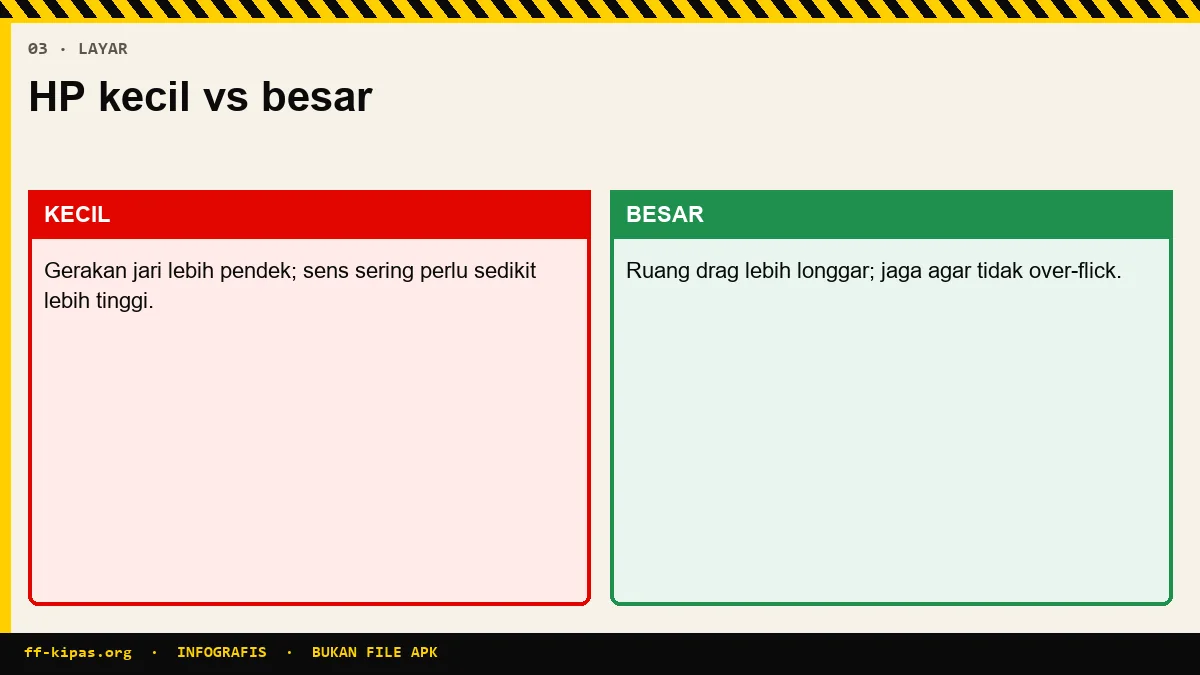
The game reads that distance as a fraction of the screen, not as centimeters. This is where screen size comes in. One centimeter on a 6.1-inch screen is a fraction of the screen larger than one centimeter on a 6.8-inch screen.
| Screen size | Screen fraction per 1 cm | Resulting rotation | It feels |
|---|---|---|---|
| 6.0 inci | Relatively large | More | Feels fast |
| 6.4 inci | Medium | Medium | General reference point |
| 6.8 inci | Relatively small | Less | Feels heavy |
How to adjust the numbers when changing cellphones?
Adjust the direction first, then recalibrate with one fixed test.
| Displacement | Number direction | Estimated amount | The most felt slider |
|---|---|---|---|
| 6.1" ke 6.7" | Raise | About 8–12 points | General and red dot |
| 6.7" ke 6.1" | Take it down | About 8–12 points | General and red dot |
| HP to tablet | Take it down a lot | About 20–30 points | All sliders |
| Same screen, new cellphone | No need to change | Zero | Nothing |
The numbers in the quantity column are a starting point, not a formula. What determines the final result is still your own test.
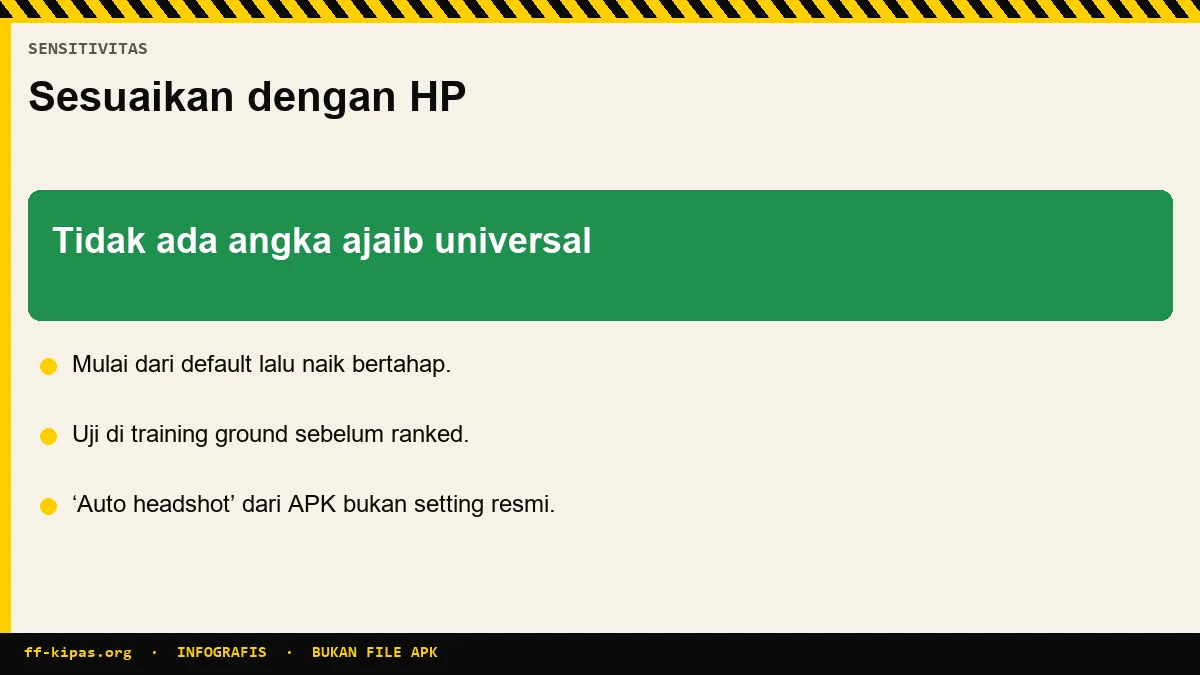
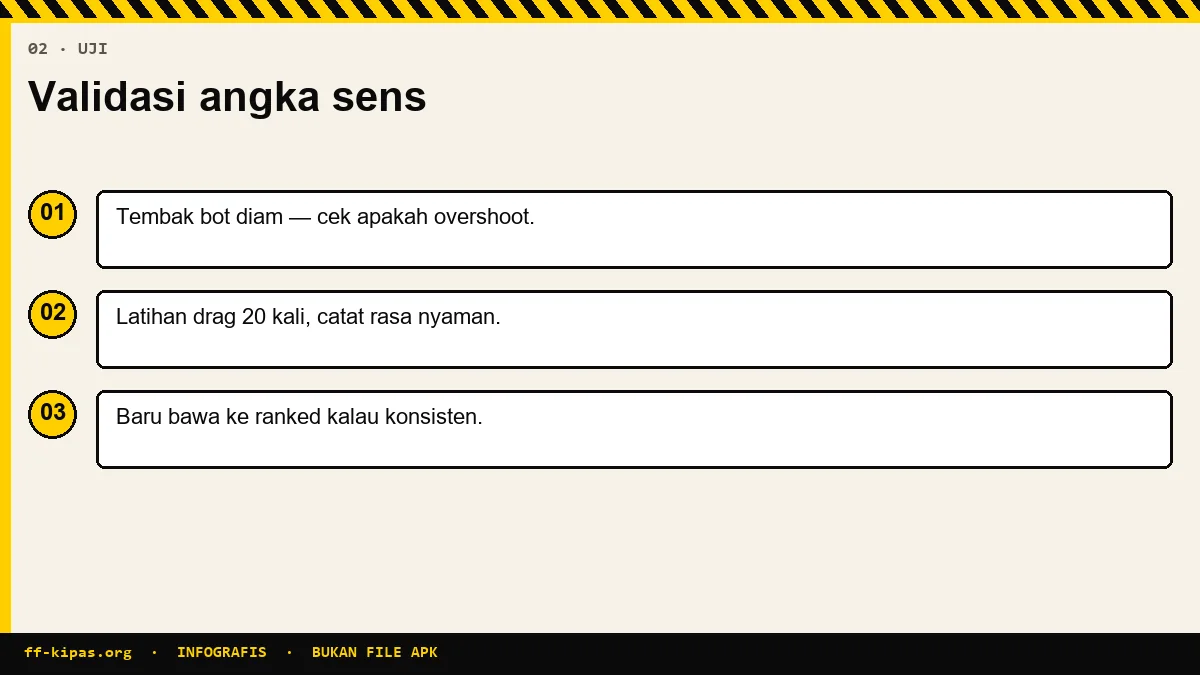
- Install the old numbers, then run one 180 degree spin test on the Training Ground.
- Note whether you stopped before or after the destination point.
- Just adjust the general numbers, five points per attempt.
- Repeat until the rotation stops correctly, then touch the scope slider.
Do refresh rates and touch sampling have an effect?
Affects taste, but not ratio. Both are about time, not distance.
| Terms | What was changed | Need to change sensitivity |
|---|---|---|
| Sensitivity | Distance to degree ratio | Yes, this is indeed the slider |
| Refresh rate | How quickly results are drawn | No |
| Touch sampling rate | How fast the finger is read | No |
| Frame rate | Image smoothness | No |
Moving from a 60 Hz to 120 Hz display makes the response feel closer to the finger. Many players interpret that feeling as being too fast, then dropping the numbers. That's wrong, and the result is that aiming becomes difficult once you get used to it.
Why do other people's sensitivity codes rarely match?
Because the code carries numbers, but does not carry the creator's screen size.
The code contains five slider values. The code doesn't include how many inches the maker's screen is, how big the thumbstick is, or where the fire button is placed. Those three things are what actually make the numbers work.
There are additional pitfalls. When the code is applied, the game sometimes offers to copy the entire setup at once, including the layout. If you agree, your old calibration is lost without warning.
| Carried by code | Not brought |
|---|---|
| Five slider values | Creator screen size |
| Sometimes the button layout | Thumb length and how to hold it |
| Sometimes shooting mode | The drag distance used |
| Scope value | Burst habits and playing distance |
The safest way to use code is to consider it a starting point. Apply, reject layout copying, then recalibrate as described in sensitivity guide.
Is there any screen size that's really a disadvantage?
Not a disadvantage, but there is a range that is most friendly for four fingers.
| Range | Excellence | Weakness |
|---|---|---|
| Under 6.0 inches | Thumbs reach all corners | Four fingers become narrow and bump into each other |
| 6.0–6.7 inci | Balanced for two thumbs or four fingers | Almost nothing |
| Above 6.7 inches | HUD space is spacious, four fingers are comfortable | Far corners are difficult to reach, hands get tired quickly |
| Tablets | The target looks big | Slow body rotation, difficult at close range |
If your screen is outside the center range, the adjustment isn't just a number. The button layout also needs to be shifted to keep finger reach reasonable, and that is discussed in HUD guide.
Frequently Asked Questions
Why does the same sensitivity feel different on a new cellphone?
Because the percentage is the ratio between the sliding distance on the screen and the degree of rotation. Other sized screens make one centimeter of thumb movement represent a different fraction of the screen.
Do the numbers increase or decrease if you move to a larger screen?
Go on. On a larger screen a centimeter of thumb movement is a smaller fraction of the screen, so rotation is reduced and shooting feels heavy.
How many points of adjustment from 6.1 inches to 6.7 inches?
About eight to twelve points on a common slider as a starting point. The exact number still has to be found through a round test at the Training Ground.
Does a 120 Hz refresh rate change sensitivity?
No. Refresh rate simply changes how quickly results are drawn to the screen. The ratio between thumb movement and camera rotation remains exactly the same.
Apa itu touch sampling rate?
How often the screen reads the finger position per second. Higher numbers make the response feel closer to the finger, but don't change the sensitivity ratio.
Why do video sensitivity codes often not match?
Because the code only carries five slider values. The maker's screen size, thumb length, and firing button position do not carry over.
Does the tablet need much lower numbers?
Yes, generally twenty to thirty points lower. Large screens allow the thumb to cover long physical distances for a small fraction of the screen.
What screen size is most ideal for four fingers?
Rentang enam sampai enam koma tujuh inci. Di bawah itu jari saling menabrak, di atas itu sudut jauh sulit dijangkau dan tangan cepat lelah.
Perlukah aku mengubah semua slider sekaligus?
No. Change the general slider first until the body rotation feels right, then touch the scope sliders one by one.
Can changing cellphones improve aiming performance?
Almost never. What really changes the results is the recalibration and hours of practice, not the device specifications.
How to test whether the new numbers are correct?
Perform a one hundred and eighty degree rotation test to a certain point on the Training Ground. If you stop before that point, the number is still low.
Does a screen protector matter?
Thick or dirty guards can interfere with touch reading, especially when the finger is moved. That's a friction problem, not a ratio problem.
Optimize your device FPS & touch sensitivity with the FF Kipas Official Hub · APK v2.118.12 Specs (459.7 MB) · KPS & Shizuku Setup Guide · OB55/OB54 Changelog.