
Optimization & Guide Info: Every technique on this page can be applied directly in your in-game settings or paired with the FF Kipas v2.118.12 (OB55/OB54) Optimization Toolkit. Download the verified FFKIPAS-latest.apk (459.69 MB) package above for non-root 60 FPS stabilization and custom sensitivity tuning.
How much space is actually needed?
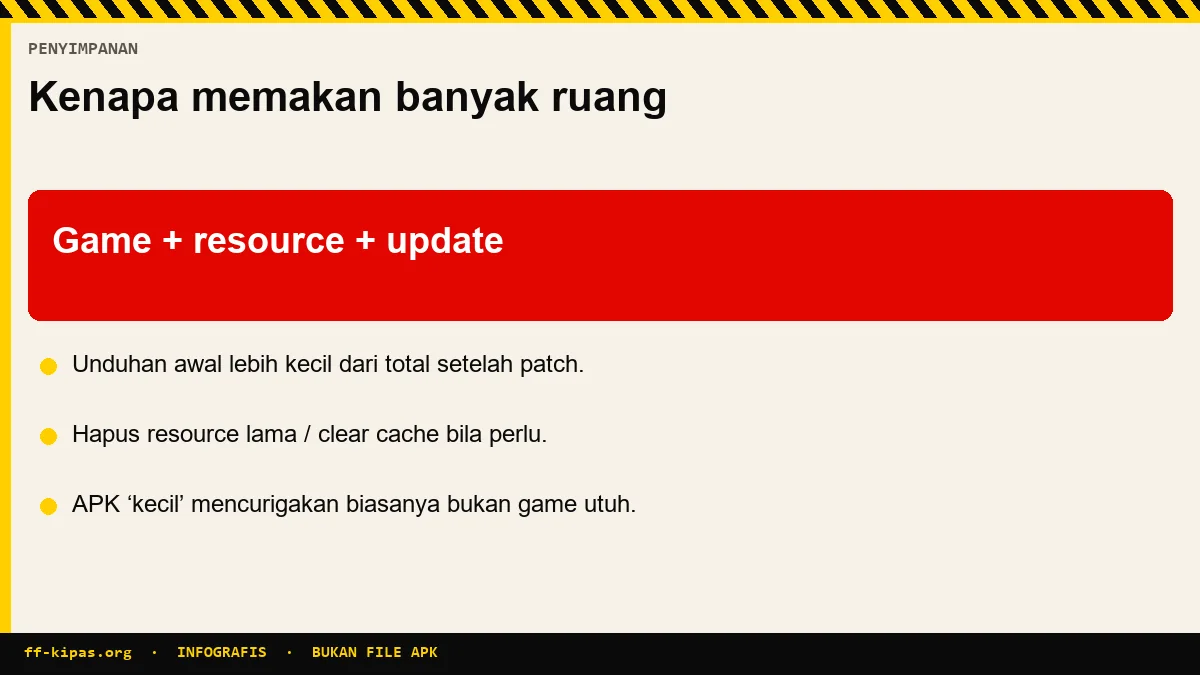
Count three layers: initial download, additional resources, and breathing room.
| Layer | The contents | Approx | Can be avoided |
|---|---|---|---|
| Initial download | Application framework from the official store | Hundreds of megabytes | No |
| Resource pack | Maps, textures, sounds, characters | Several times the initial download | Some, through light packages |
| Cache running | Temporary files while playing | Hundreds of megabytes | Yes, it can be cleaned |
| Breathing room | For the update process | Equivalent to one full update | No |
| Account data | Local settings and history | Small | No |
The second layer is what most often surprises people. After the installation is complete and you open the game for the first time, the application immediately downloads again in an amount that is often larger than the first download.
Why does this game require additional resources after installation?
Because the app store limits the package size, so the contents are split.
Packages installed from the store are intentionally slim so they can be downloaded quickly and bypass size limits. Maps, character models and sounds are taken later directly from the game server.
This method also allows the game to send only the parts that change when there is an update. Without that solution, every small patch will force you to re-download the entire game.
Some versions offer a light package when first opened. The package trims texture quality in favor of space, and that option is closely related to the settings in graphic guide.
What files are safe to delete and what are not?
Three categories, and only one is truly safe.
| Category | Safe to delete | As a result |
|---|---|---|
| Application cache | Safe | First loading screen takes longer, then normal |
| Resource pack | Yes, but it's troublesome | Must be re-downloaded before you can play |
| Application data | Not recommended | Missing button settings and layout |
| Leftover installation files | Safe | No, it's no longer used |
| Recordings and screenshots | Safe | Your content is gone, the game is not affected |
Game progress itself is safe as long as your account is connected to the platform. The only ones at risk are guest accounts, and the reasons are explained in account recovery page.
Why do downloads or updates often fail in the middle?
Four reasons, and three of them are about space.
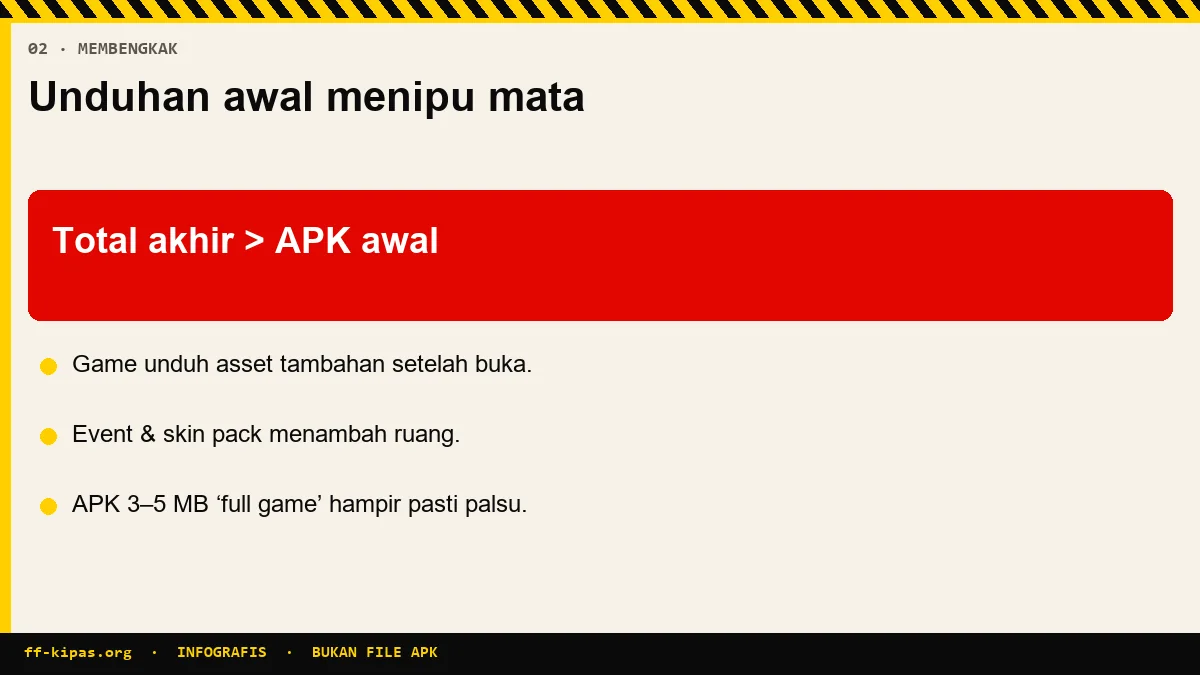
- Free space runs out in the middle of the process. Updates need space for both old and new files at once.
- The connection is lost for a moment. Large downloads are sensitive to network outages of even a few seconds.
- The system cleans background applications. If you switch applications while downloading, the system may stop the process.
- The previously downloaded file is corrupt. Residual failed downloads sometimes interfere with subsequent attempts.
For the fourth cause, the solution is to clear the app store cache, not the game cache. These two things are different and are often confused.
How to maintain storage so that the game remains smooth?
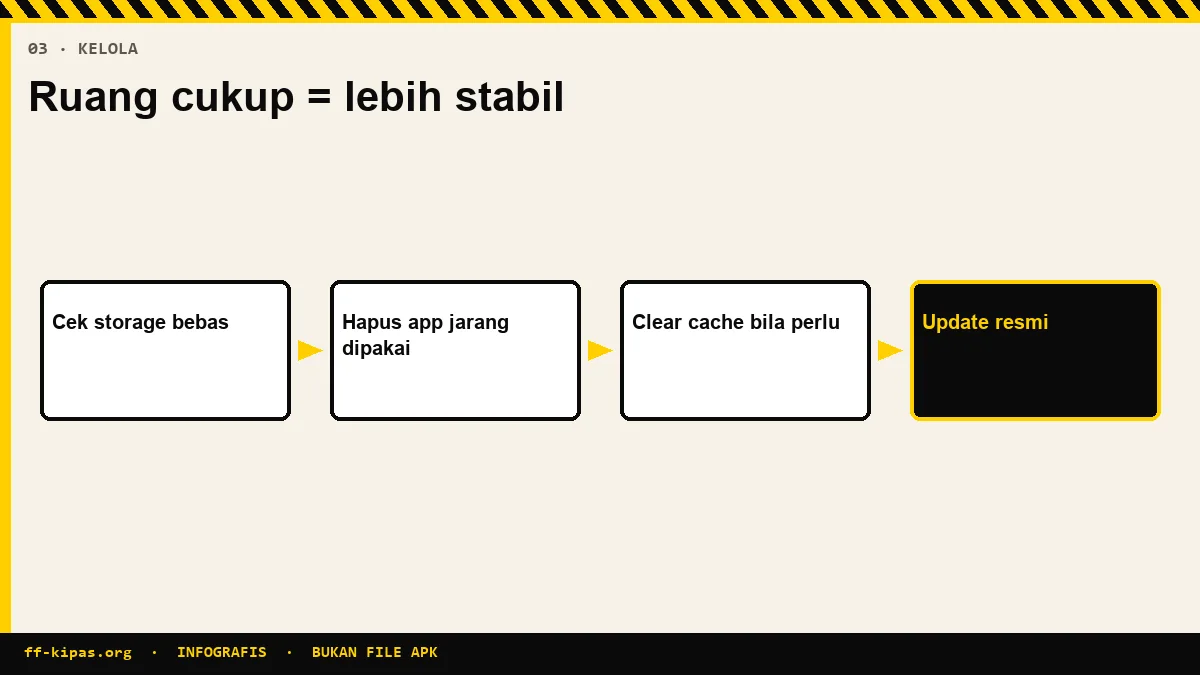
Leave some space, and clean right, not easy.
| When | Which is done | Why |
|---|---|---|
| Before every major patch | Free up space equal to one update | Prevents updates from failing in the middle |
| Every few weeks | Clear game cache | Returns loading speed |
| When storage is below ten percent | Delete old videos and photos | Limited space slows down reading and writing |
| After deleting many files | Restart the device | The system rearranges free space |
| Never | Delete app data without note | Settings lost without backup |
One note about cleaning applications. Most of them just wipe the cache, something you can do yourself from the settings menu without installing anything.
If after cleaning the game is still heavy, it's probably not the storage problem. Check the diagnosis at lag page.
Frequently Asked Questions
What is the actual FF file size?
The initial download from the store is just the framework. Once opened, games pull in resource packs that are often several orders of magnitude larger, plus cache and space for updates.
Why do games download again after they have finished installing?
Because the app store limits the size of the package, so the maps, textures and sounds are loaded later directly from the game server.
Is it safe to delete game cache?
Safe. The only thing lost is the temporary files that will be recreated. The first loading screen after that takes a bit longer, then returns to normal.
Does clearing cache lose playing progress?
No. Progress is stored in the account connected to the platform, not in the device cache.
What are the dangers of deleting app data?
The calibrated button layout and sensitivity numbers will be lost. Note down the numbers manually first if you have to.
How much free space should be left?
At least ten percent of total storage, plus space equivalent to one full update ahead of a major patch.
Why do updates often fail midway?
Most often it's because space is running out, because updates keep old and new files together. Another cause is a lost connection or switching applications while the process is running.
How to fix downloads that always fail?
Clear app store cache, not game cache. Broken download residue often interferes with subsequent attempts.
Is it OK to move games to SD card?
Yes if the device allows it, but SD card read speeds are generally slower so loading screens take longer.
Does the light package reduce the quality of the game?
The texture quality is lower, but the gameplay is exactly the same. It's a reasonable trade-off on a device with limited space.
Does a cleaning app need to be installed?
No need. Most just clear the cache, something you can do yourself from the settings menu without installing any additional apps.
Why is the game still heavy even though the storage is free?
This means that the cause is not storage. Most likely the problem is with the device's heat, network, or graphics settings.
Optimize your device FPS & touch sensitivity with the FF Kipas Official Hub · APK v2.118.12 Specs (459.7 MB) · KPS & Shizuku Setup Guide · OB55/OB54 Changelog.