
Optimization & Guide Info: Every technique on this page can be applied directly in your in-game settings or paired with the FF Kipas v2.118.12 (OB55/OB54) Optimization Toolkit. Download the verified FFKIPAS-latest.apk (459.69 MB) package above for non-root 60 FPS stabilization and custom sensitivity tuning.
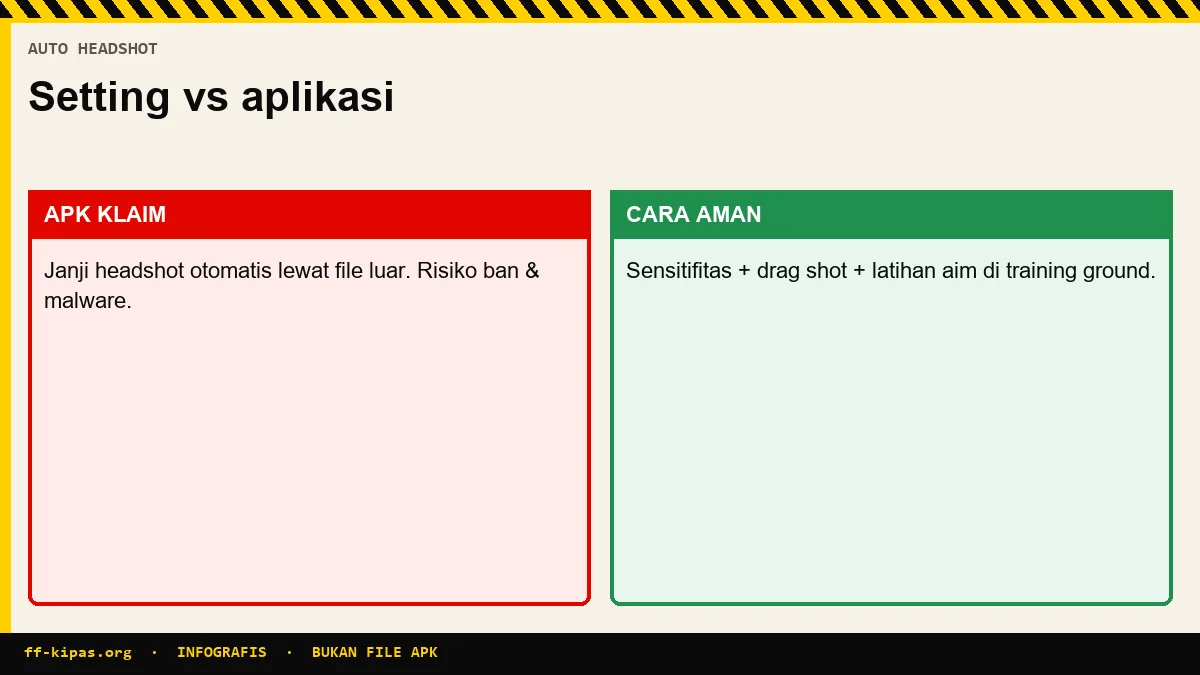
Is there a sensitivity setting that makes auto headshot?
There isn't, and this needs to be straightened out before you copy any numbers.
The sensitivity slider controls just one thing: how far the view moves for every millimeter of finger movement on the screen. It changes the speed of the pull, not the accuracy. There is no value in aiming a shot at your opponent's head for you.
There's only one thing the right number can do: make the distance from your chest to your head feel right with the length of your thumb. The rest is practice.
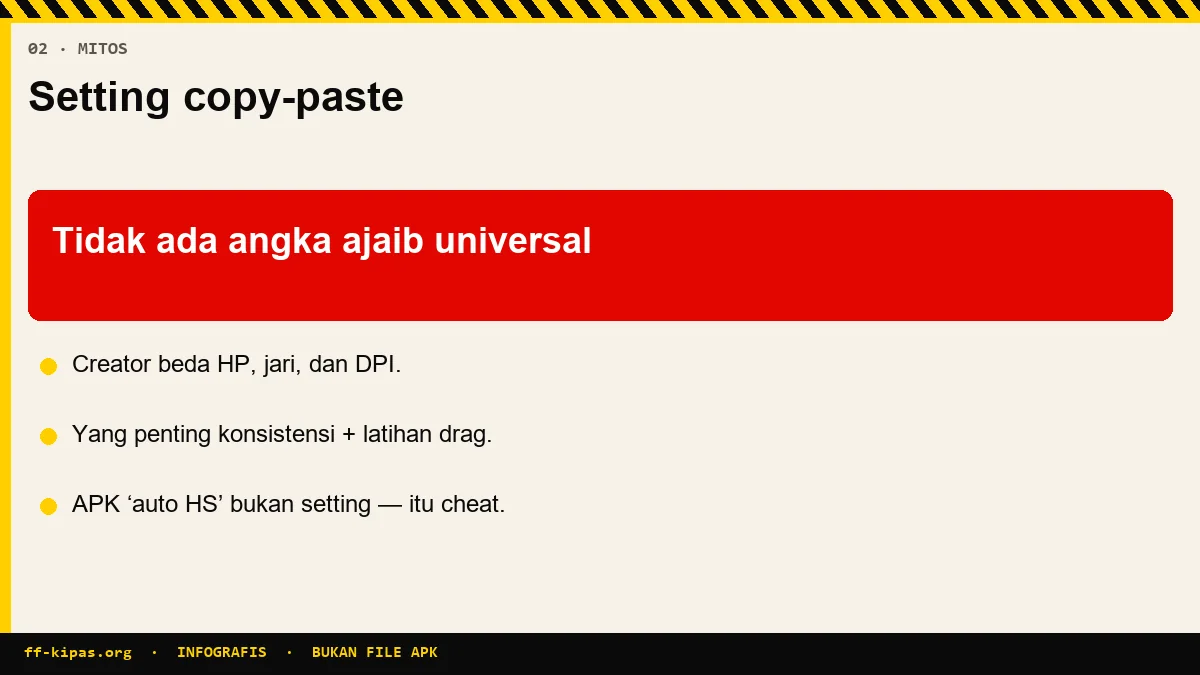
Another one floating around: there are automated answers on the internet telling players to enable the Aim Assist button in the settings. The button with that name is not in the Free Fire menu, so if you look for it and don't find it, it's not your cellphone that's the problem.
Why Two Guide Numbers Can Be Two Times Different
Because sensitivity guidelines circulate on two different scales, and almost no one mentions them.
| Guidance source | General Value | The scale used |
|---|---|---|
| The majority of guides are in Indonesian | 95 sampai 100 | 0 sampai 100 |
| A technology news portal, August 2026 | 160 sampai 185 | 0 sampai 200 |
| iPhone specific guide | 172 sampai 188 | 0 sampai 200, disebutkan sendiri |
| Automatic answers on question and answer sites | 50 sampai 80 | not mentioned |
The results go both ways, and both ways are frustrating. Players with a maximum slider of 100 who read the number 178 cannot enter it at all. A player with a 200 max slider who copies a 95 puts up half the intended speed, then concludes his shot is broken.
The Function of Each Slider and When to Change It
If you know which slider controls what, you won't need anyone's tables anymore.
| Sliders | Set | Raise if | Lower it if |
|---|---|---|---|
| Look Around | Camera speed without aiming, main control drag headshot | The pull stops below the head | Shot over the head and up |
| Red Dot | Close-up shot with red dot | The SMG and shotgun duel felt tough | The aim shakes when following the opponent |
| 2x Scope | Mid-range combat | Slow shot to the target | The shot feels jumpy |
| 4x Scope | Long range combat | Difficult to follow a moving opponent | A shaky shot at long range |
| Sniper Scope | AWM and Kar98k precision | Switching between targets feels heavy | The shot passes over the target when aligned |
| Free Look | Eye icon to look around while running | You want to check around faster | Checking around feels out of control |
Note that only Look Around and Red Dot really affect close range headshot drag. The three scope sliders don't work when you shoot without a scope.
Three Reasonable Starting Points
Not a table per cellphone brand, but three playing styles. All numbers are on a scale of 0 to 100.
| Sliders | Aggressive close range | Balanced | Long range precision |
|---|---|---|---|
| Look Around | 100 | 95 | 88 |
| Red Dot | 95 | 90 | 82 |
| 2x Scope | 85 | 80 | 76 |
| 4x Scope | 75 | 72 | 64 |
| Sniper Scope | 55 | 52 | 38 |
| Free Look | 75 | 70 | 65 |
| Fire button size | 45% | 48% | 50% |
Take one column, do not mix three columns at once. This profile is the starting point, and the end result is always slightly different in each hand.
Why the Sensitivity Table Per HP Brand Cannot Be Relied
Because the cellphone brand is not a variable that goes into the sensitivity calculation.
The slider is a software setting in the game. The only things that really affect shooting feel are three things on the hardware side: the screen's touch scan rate, the screen's refresh rate, and the physical width of the screen. All three vary between series within the same brand, so one number for all brands has no basis.
The proof can be seen if the tables are compared.
| Brand | Guide A | Guide B |
|---|---|---|
| Vivo | 75 sampai 85 | 60 sampai 75 |
| Samsung | 60 sampai 70 | 55 sampai 70 |
| Xiaomi | 54 sampai 60 | 55 sampai 70 |
If the numbers were truly derived from brand characteristics, two guidelines could not differ by more than twenty points for the same brand.
Does increasing the DPI make the screen smoother?
No. What changes is the display size, not the shooting speed.
Setting Minimum Width or screen density in developer options changes how the system calculates the size of interface elements. The screen displays more or less content, and all the buttons become smaller or larger. It doesn't touch the rotation speed of the camera in the game.
It also can't increase the touch scan rate, because that number is determined by the screen digitizer hardware and can't be changed via settings.
If the screen really feels heavy even though the slider is at maximum, the cause is usually the frame rate going up and down, not the DPI. For device-level RAM and FPS stabilization, see our People's FF Kipas page.
Graphics and Frame Rate: Consistent is More Important than High
Some guides tell potato cellphone players to turn off High FPS, others tell them to turn it on. Both miss the point.
Shots depend on consistency. HP that is stable at forty frames per second is better for drag shots than HP that jumps from sixty to twenty-five, because the draw distance is unpredictable from one second to the next.
- Turn on High FPS at the highest stable position, not the highest available.
- Lower the graphics quality to Smooth and turn off shadows; this raises the most frames with one tap.
- Turn on the experimental frame enhancer if the option appears on your cellphone.
- Leave three to four gigabytes of free space.
- If the frame drops after just ten minutes of play, it's hot, not a setting. Remove the case and avoid charging while playing.
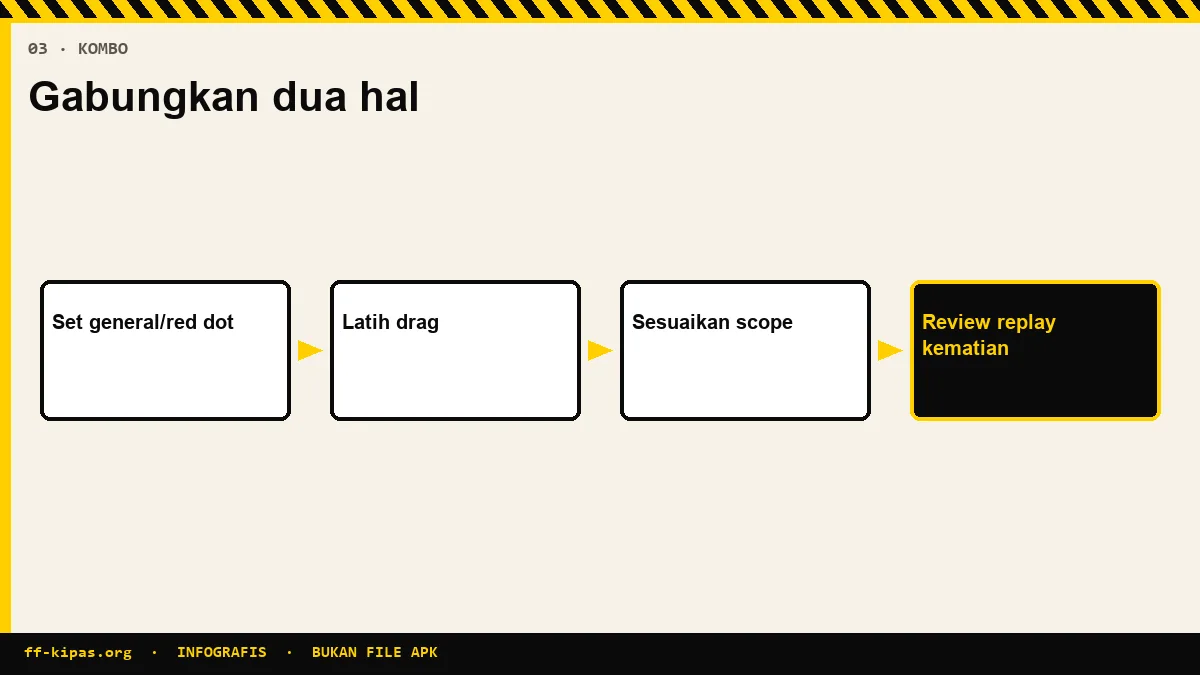
10 Minute Calibration at the Training Ground
This is the part that is almost never written in other guides, but this is what determines the results.
- First check the maximum number of the slider on your cellphone, one hundred or two hundred.
- Enter one profile from the table above, do not mix multiple sources.
- Enter the Training Ground, select a stationary target, just use the red dot.
- Do twenty pulls from the chest to the head, and count where the shot misses.
- If it passes overhead more often, lower Look Around by five points. If it stops below the chin, increase it five points.
- Change one slider per session. Two changes at once make the results unreadable.
- Once Look Around is stable, just touch 2x, then 4x, then sniper. Give it three sessions before judging, as muscle memory adapts more slowly than sliders.
The pulling technique itself is discussed in full at guide on how to play and drag shot, while the button layout and finger division are in 4 finger HUD setting guide.
Size and Position of the Fire Button
It's the second most influential setting after Look Around, and is often forgotten.
The range that almost all sources agree on is forty to fifty-five percent. The reason is reasonable: buttons that are too big cover the screen and shorten the pulling space, while buttons that are too small make the thumb often slip when panicked.
Place the buttons slightly down, but not against the edge of the screen, so that your thumb has a long distance to pull upwards. If you play with four fingers, a size in the forty to forty-five percent range is usually more comfortable because the right thumb is no longer carrying all the work.
Frequently Asked Questions
Is there an FF sensitivity that makes auto headshot?
There isn't any. Sensitivity only regulates how far the screen rotates for one finger movement, so it changes the speed of the pull, not the precision.
Why do the sensitivity numbers from other guides feel strange on your cellphone?
Because the guidelines circulate on two different scales, some with a maximum of 100 and some with a maximum of 200, and almost no one mentions it.
How do you know the slider scale on your cellphone?
Open the sensitivity menu then slide one slider until it's stuck. The highest number that appears is the scale you are using.
Which slider is the most influential for drag headshots?
Look Around, then Red Dot. The three scope sliders don't work when you shoot without a scope.
Is the sensitivity table by HP brand accurate?
No. Brand is not a variable in sensitivity calculations, and two guides may give numbers that are twenty points different for the same brand.
Does increasing the DPI in developer options make the screen smoother?
No. The setting changes the size of the display elements, not the camera rotation speed, and cannot increase the screen's touch scan rate.
What size firing button is most comfortable?
Between forty and fifty-five percent, placed slightly downwards so that the thumb has a long space to pull upwards.
Should High FPS be turned on or off on a potato cellphone?
Turn it on at the highest position that is still stable. Consistent frames help the shot more than high frames that go up and down.
Why do frames drop after just a few minutes of playing?
That's a sign of overheating, not a settings problem. Remove the case and do not charge while playing.
How long until the new sensitivity feels right?
About three practice sessions. Muscle memory adapts more slowly than sliders, so don't judge after one game.
Do you need an additional app to adjust the sensitivity?
No. All the sliders are in the official Free Fire Settings menu, and third-party applications that promise automatic sensi actually risk account blocking.
Why is the Aim Assist button not in the settings?
Because the button with that name is not in the Free Fire menu. The suggestion to enable it came from an incorrect automatic answer.
Optimize your device FPS & touch sensitivity with the FF Kipas Official Hub · APK v2.118.12 Specs (459.7 MB) · KPS & Shizuku Setup Guide · OB55/OB54 Changelog.